Step
Process
Result
1
Click the Microsoft Windows Start button
The Microsoft Windows Start Menu displays
2
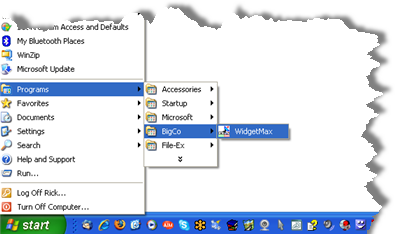
Point at Programs
The Applications sub-menu opens
3
Point at BigCo
The BigCo sub-menu opens
4
Click the WidgetMax icon
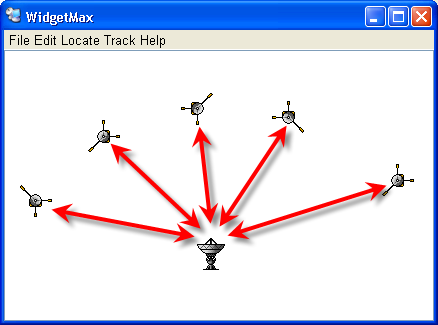
The WidgetMax application opens